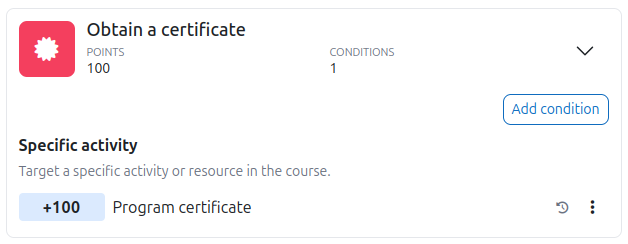
Obtain a certificate
This feature requires Level Up XP+ Premium.
Use the Obtain a certificate action to award points when the Custom certificate plugin issues a certificate to a learner.
Requirements
You must use the following software:
- Moodle 5.0 or later.
- Custom certificate version 5 or later.
Configure the action
- Go to the Action rules page.
- Select Add action and then select Obtain a certificate.
- Add the Specific activity condition.
- Select the certificate activity, such as Program certificate.
- Enter the number of points to award.
Level Up XP awards the specified points when the selected activity issues a certificate to a learner.